Security & Fraud Protection

Frontwave Security Center

Protect your accounts, recognize scams, and know what to do if something feels wrong.

Your Security Matters. We Got You.

Fraud and scams have become more sophisticated, more convincing, and harder to spot. Scammers often impersonate trusted organizations through fake texts, spoofed phone numbers, and urgent messages designed to pressure people into reacting quickly.

Our Security Center was built to help you recognize red flags, protect your accounts, and know what to do if something feels suspicious. Whether you’re responding to a possible scam or learning how to better protect yourself, Frontwave is here with practical guidance and real support when you need it most.

Think You’ve Been Targeted?

If something feels suspicious, call us immediately at 800.736.4500. The faster you reach out, the faster we can help protect your account and guide you through the next steps.

What Seems Suspicious?

Choose the situation that best matches what happened or what feels suspicious to get guidance, recommended next steps, and ways to help protect your accounts and personal information.

I got a call pretending to be Frontwave

Scammers can spoof phone numbers and impersonate financial institutions.

I received a suspicious text or email

Learn how to spot phishing messages and fake fraud alerts.

I shared a security code or password

Take immediate steps to secure your accounts and prevent access.

I clicked a suspicious link

Protect your device and review your accounts for unusual activity.

I noticed unauthorized transactions

Learn how to report fraud and protect your cards and accounts.

My debit or credit card is missing

Lock your card, review transactions, and request a replacement.

If You Suspect Fraud or Gave Out Information

Report suspicious activity right away so we can take steps to protect your account.

  • Reset your Online Banking password immediately
  • Monitor your account for unauthorized transactions
  • Contact Frontwave 800.736.4500 (Toll-Free) or 760.631.8700 (Local & International)
  • Check your credit report for fraudulent activity

What To Do Next

If something feels suspicious, contacting Frontwave as soon as possible is one of the best ways to help protect your accounts and personal information.

The guidance below can help you recognize warning signs, understand common scam tactics, and take recommended next steps based on the situation you experienced.

I got a call pretending to be Frontwave

Scammers can spoof legitimate phone numbers to make calls appear as if they are coming from Frontwave. These calls often create urgency and pressure people into sharing sensitive information quickly.

Warning signs

  • Requests for passwords, PINs, or one-time security codes
  • Pressure to act immediately
  • Threats about account restrictions or fraud
  • Requests to move money or verify transactions
  • Callers asking you to stay on the line while taking action

What to do now

  • Stop communicating with the caller
  • Do not share additional information
  • Hang up and contact Frontwave directly at 800.736.4500
  • Review recent account activity
  • Change your password if sensitive information was shared


Important Reminder

Frontwave will never call, text, or email asking for your password, one-time security code, PIN, or full debit or credit card number.

I received a suspicious text or email

Fraudulent texts and emails are designed to look legitimate and often create urgency to pressure people into clicking links, replying, or sharing personal information.

Warning signs

  • Messages claiming urgent account problems
  • Requests to verify personal information
  • Suspicious links or attachments
  • Misspellings, unusual formatting, or unfamiliar phone numbers
  • Messages pressuring immediate action

What to do now

  • Do not click links or open attachments
  • Do not reply to the message
  • Delete the message if it appears fraudulent
  • Use Frontwave’s official website or app to verify account activity
  • Contact Frontwave if something feels suspicious


Important Reminder

Frontwave will never ask for passwords, one-time security codes, or full card numbers through text or email.

I shared a security code or password

If you shared a password, PIN, or one-time security code, act quickly. Scammers may attempt to use that information to access your accounts or authorize transactions.

What to do now

Additional protection steps


Important Reminder

One-time security codes are meant to verify your identity. Frontwave employees do not need you to read these codes aloud.

Suspicious links can lead to fake login pages, malware, or attempts to collect personal information. Taking action quickly can help reduce potential damage.

What to do now

  • Disconnect from public Wi-Fi if connected
  • Change your Frontwave password immediately
  • Consider running a security scan on your device
  • Review account activity for suspicious transactions or logins
  • Contact Frontwave if you entered account information after clicking

Warning signs after clicking

  • Unexpected login prompts
  • Device performance issues
  • Unfamiliar account activity
  • New pop-ups or redirects


Important Reminder

If a message feels suspicious, log in through Frontwave’s official website or mobile app to verify account activity.

I noticed unauthorized transactions

Unauthorized purchases, transfers, or account activity may be a sign that someone gained access to your account or card information.

What to do now

Common warning signs

  • Small test charges
  • Purchases you do not recognize
  • Unexpected transfers
  • Login alerts from unfamiliar devices or locations


Important Reminder

Acting quickly can help reduce fraud exposure and protect your accounts.

My debit or credit card is missing

A lost or stolen card can put your account at risk if not addressed quickly. If you think you may have misplaced it, lock or freeze your card right away while you look for it.

What to do now

Additional tips

  • Double-check recent locations before replacing your card
  • Update recurring payments after receiving your new card
  • Enable transaction alerts for added security


Important Reminder

If you notice suspicious purchases or activity, contact Frontwave immediately.

Digital Banking Security

When it comes to protecting your money and personal information, we’ve got your back. Our Digital Banking tools include built-in security features designed to keep your information safe. For added peace of mind, you can review and update your security settings at any time.

A strong password is the first step to keeping your account safe. Change it right away if you think it’s been compromised.

  1. Log in to Digital Banking. Click Tools & Settings, then Settings.
  2. Open the Security tab.
  3. Under Security Information, click the pencil icon next to Password.
  4. Enter your current password, then enter and confirm your new one. Click Save Changes.

Password requirements:

  • At least 12 characters
  • 1 uppercase letter
  • 1 lowercase letter
  • 1 number
  • 1 special character

Tip: Change your password regularly and avoid reusing it on other sites.

If your login info has been shared or compromised, update your username to protect your account.

  1. Log in to Digital Banking. Click Tools & Settings, then Settings.
  2. Open the Security tab.
  3. Under Security Information, click the pencil icon next to your username.
  4. Make your edits, then click Save Changes.

Username requirements: 8–36 characters, using only letters and numbers.

Two-factor authentication (2FA) adds another layer of security to your login. You’ll enter your password, then verify your identity with a one-time code.

  1. Log in to Digital Banking. Click Tools & Settings, then Settings.
  2. Open the Security tab.
  3. Find the Two-Factor Authentication section and toggle it to ON.
  4. Choose your preferred method:
    • Email
    • Text message
    • Voice call
    • 2FA app (like Duo or Google Authenticator)

To set a preferred method:

  1. Click the pencil icon next to it
  2. Check Set as Preferred Authentication Method
  3. Click Done 
  4. To update your contact info, click Edit in Contact Settings

Note: 2FA does not apply to fingerprint or facial recognition logins.

Tip: 2FA helps prevent unauthorized access, even if someone gets your password.

If you no longer want to use a specific authentication method, you can easily turn it off.

  1. Log in to Digital Banking. Click Tools & Settings, then Settings.
  2. Open the Security tab.
  3. Under Two-Factor Authentication, click the pencil icon next to the method you want to disable.

No matter how careful you are with your financial records, criminals still find ways to access your card information to make unauthorized purchases. To combat this threat, Frontwave uses a leading fraud protection service to monitor your accounts and detect suspicious activity.

If your card is lost or stolen, or you notice suspicious activity, call: 

Behind the Scenes, We’re Investing in Your Security

Fraud prevention takes both people and technology.

Scammers move fast, and the number of threats today is too large for any team to catch manually. That’s why Frontwave continues investing in fraud monitoring tools, account safeguards, and security systems designed to detect unusual activity and help stop fraud before money leaves an account.

But systems alone are not enough.

Many scams are built around pressure, urgency, and trust. Technology can flag unusual behavior, but it cannot always recognize when someone is being manipulated or pushed into making a decision they normally would not make. That is where experienced people still matter.

Frontwave also continues investing in employee training, fraud prevention resources, and Member education to help our teams recognize warning signs, respond faster, and support Members when something does not feel right.

Protecting Members takes ongoing investment, strong security tools, trained teams, and informed account holders working together to recognize and respond to evolving threats.

Stay Ahead of Emerging Fraud Threats

Scammers continue to evolve their tactics across phone calls, text messages, social media, and digital banking. Stay informed about some of the latest fraud trends affecting consumers today.
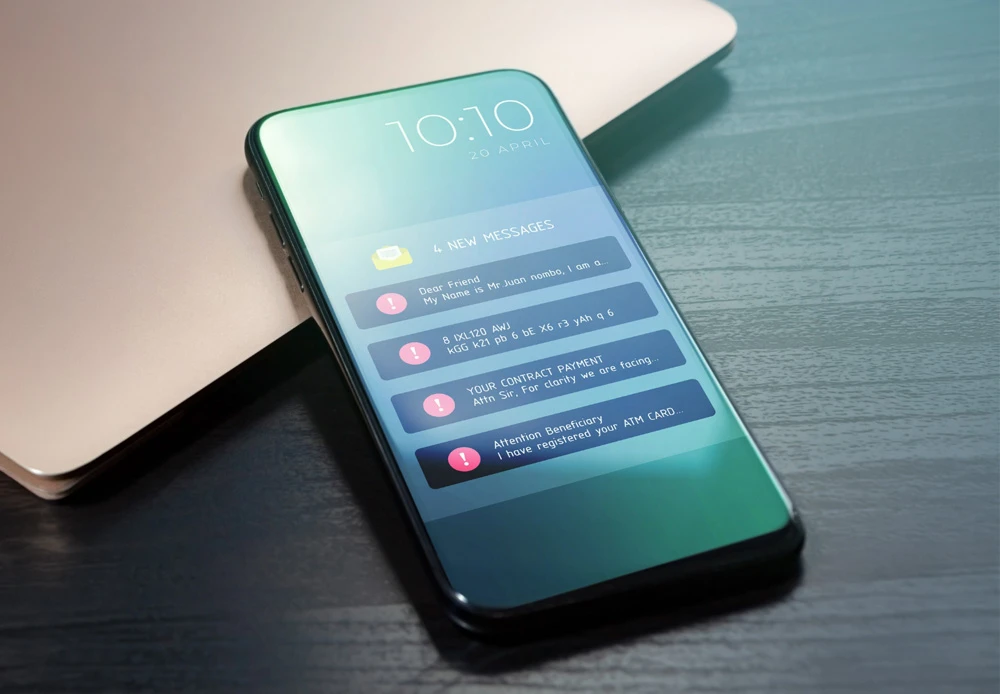
AI-Powered Scams

Scammers are using AI-generated voices, fake videos, and impersonation tactics to make fraud attempts feel more believable than ever.
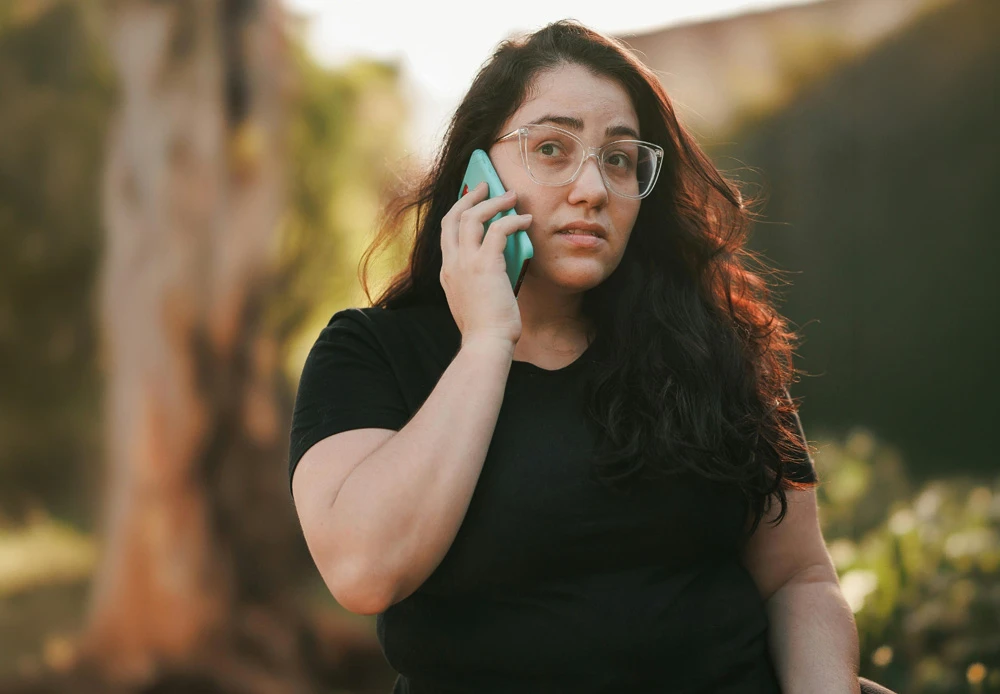
Caller ID Spoofing Scams

Fraudsters can manipulate caller ID information to make calls appear as if they are coming from Frontwave or another trusted organization.
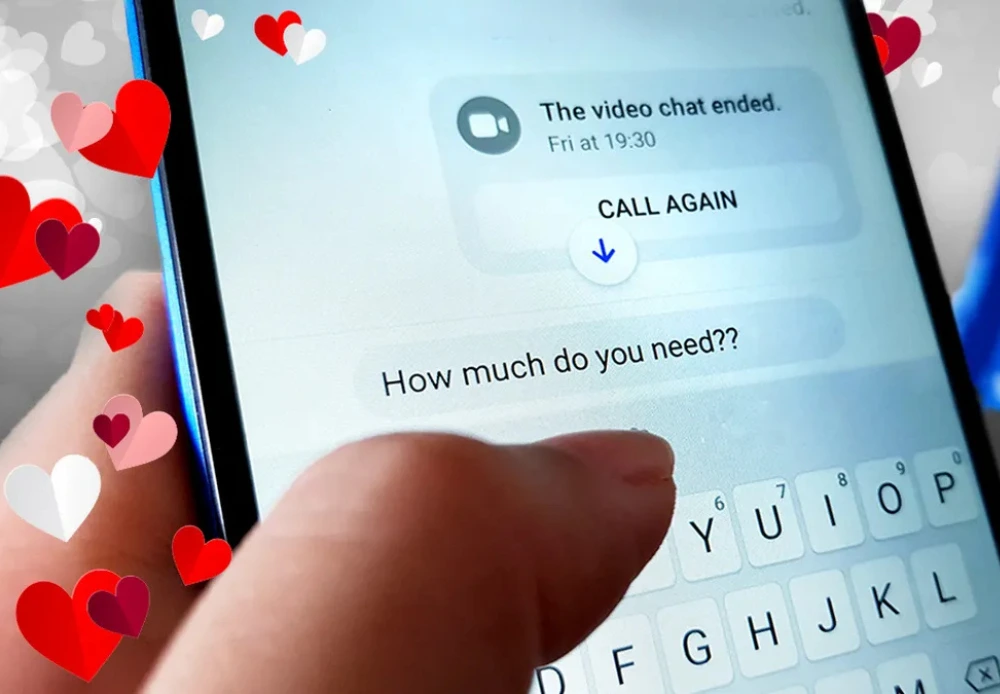
romance and investment scams

Romance and Investments Scams

Some scams build trust slowly through online relationships, social media, or investment conversations before asking for money or cryptocurrency transfers.
identity theft

Identity Theft & Account Takeover Fraud

Watch a GreenPath Financial Wellness video on how identity theft happens, common warning signs, and steps you can take to help protect your accounts and personal information.

Protect Your Money

Explore deeper scam awareness articles, fraud prevention tips, and practical guidance designed to help you stay informed and protect your money in everyday life.

card skimming scams

Card Skimming

Skimming devices placed on ATMs, gas pumps, or payment terminals can capture card information without customers realizing it. Watch for loose or unusual card readers and cover your PIN whenever entering it in public.

BLOGS

Stay Informed. Learn About the Latest Scams.

Pages within